Before you start
Have one photo of yourself or an adult who agreed to appear. The homepage accepts JPG, PNG and WebP images up to 10 MB. You do not need to film yourself performing for the prepared-template route.
Follow these steps to prepare your photo, use the freestyle template and review the finished video. The template supplies the performance and original audio.
1. Choose a photo that clearly shows you
Face the camera in even light. Keep both eyes visible and use a sharp image. A recent photo helps you choose an appearance your friends will recognize. Include your shoulders or upper body if the outfit matters, while keeping the face large enough to see.
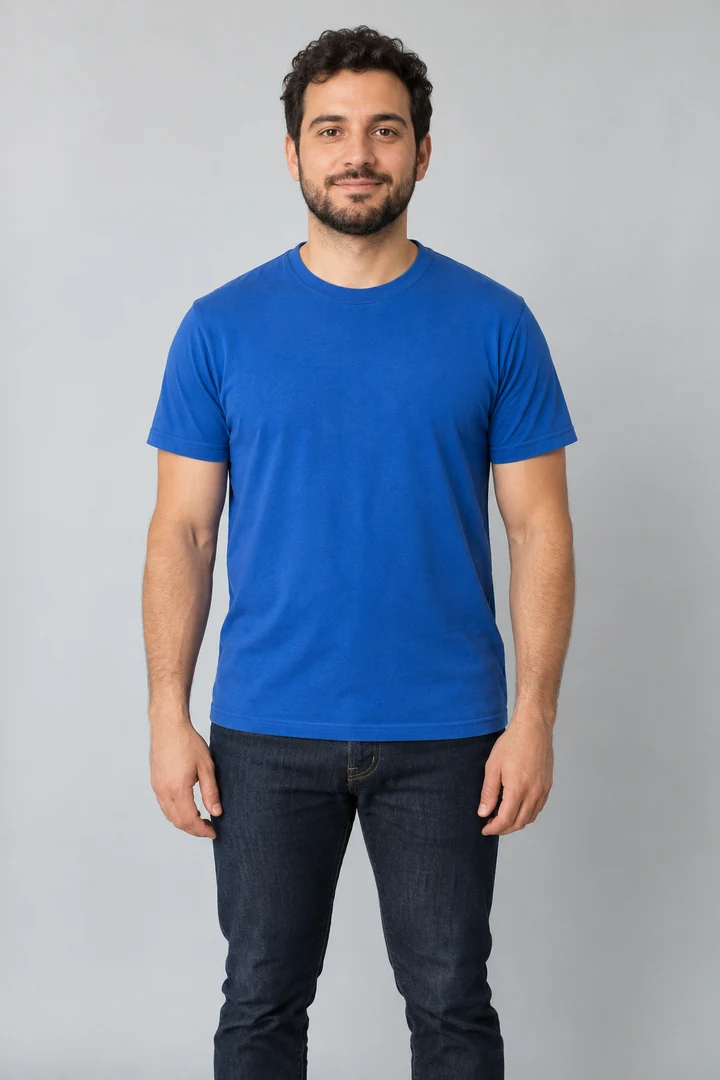
Quick photo check
- One adult in the frame.
- Face visible without dark glasses or a mask.
- Even light, without a strong shadow across the eyes.
- No heavy face-changing filter.
- Shoulders and outfit visible when relevant.
2. Upload your photo
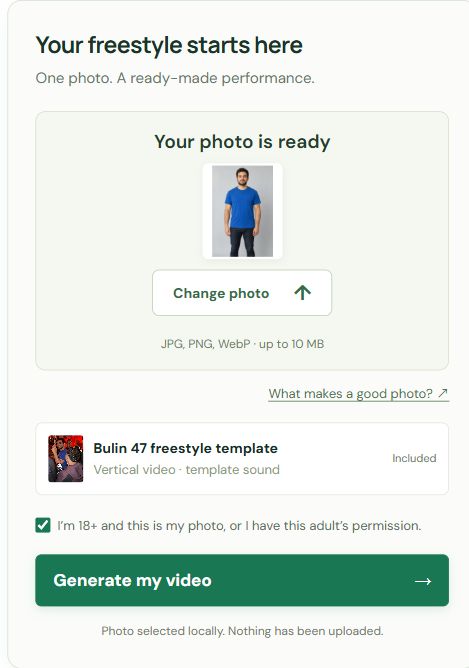
On the homepage, click Upload your photo and select the file from your device. On desktop, you can also drag the file into the upload area. A thumbnail appears so you can verify the selected image. Use Change photo if it is the wrong one.
If the tool rejects the file, check the format and size. A renamed file is not necessarily a converted image: export it as JPG, PNG or WebP if needed. The selected photo stays in your browser in this version.
3. Confirm age and permission
Tick the checkbox only if you are 18 or older and the image is yours, or the adult pictured agreed to appear. Permission to view a photo is not automatically permission to use it in a generated performance.
If you click Generate without a photo, the page points you to Upload your photo. If you selected a photo but have not checked permission, it asks you to confirm before continuing.
4. Check which performance you are using
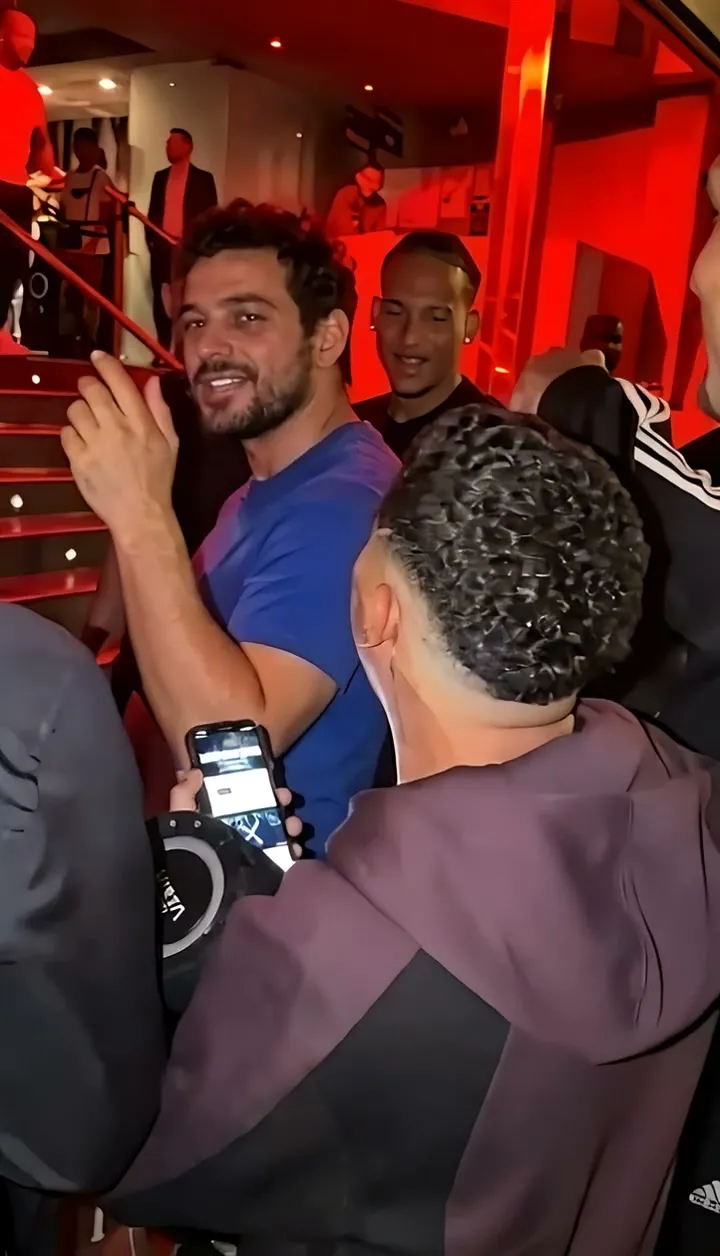
The prepared Bulin 47 freestyle template supplies the performance direction. Watch the example beside the tool: identify the lead performer, the person holding the speaker and the people nearby. They are different roles.
This tool does not accept a different reference clip or a custom prompt, and does not edit the entire crowd. If you want to control those choices in another compatible tool, read the template and prompt comparison.
5. Continue with Generate my video
After selecting your photo and confirming permission, click Generate my video. Enter your delivery email and choose a pack, or use available credits. Review the total before continuing. If payments are temporarily unavailable, the tool tells you before taking payment.
Check the selected pack, total and purchase terms before paying. A generation uses the prepared 15-second template. Review your finished file before sharing it.
6. Review the whole clip, not just the first frame
Use the reference videos to practice the checks below. A still image can look convincing while movement reveals a problem.
- Face: does the same identity remain visible through head turns?
- Overlap: after a phone, hand or person passes in front, does the correct face reappear?
- Hands: do fingers, wrists and arms remain natural while moving?
- Clothing: do collars, patterns and accessories stay consistent?
- Roles: does the lead stay separate from the speaker holder and crowd?
- Sound: does audio play, and does mouth timing fit it?
If something is not working
| What you see | What to do next |
|---|---|
| No photo thumbnail | Choose a supported image under 10 MB and wait for it to appear. |
| A prompt to upload first | Use Upload your photo; checking permission does not select an image. |
| A permission reminder | Confirm the checkbox after checking that the image is authorized. |
| Payments temporarily unavailable | No payment has been taken. Try again later, or use existing credits if your account has enough. |
| An example plays silently | Use the video player’s sound control. Playback starts muted. |
| No finished video to download | Wait for the task to finish and check the result on this page or in your delivery email. Contact support if a completed result is missing. |
What happens to your selected photo?
Your photo is used for a temporary local thumbnail in this preview. It is not uploaded, and closing or reloading the page clears the selection. Read the Privacy Policy for details about the preview and website requests.